First, a disclaimer: the source code for this project is private and will not be shared. The intent of this post is solely study-driven, and the target of my tests is my own public domain udp.re, at the endpoint challenge.udp.re. Feel free to test your attempts to solve the challenge through it, since that's the sole purpose of its existence.
What is cf_clearance, actually?

cf_clearance (referred to in this post, from now on, as the "clearance cookie" or simply "clearance") is part of what Cloudflare calls "JavaScript Detections" and is the product of an officially undisclosed stack of automated behavioral and environmental detection functions, with the intent to determine whether the user is a person or a bot.
Once you're flagged as a bot, it generates either no clearance cookie or an invalid one, and your request gets rejected (usually with a 403 HTTP status code: "forbidden"). This approach works well, and its extremely large user base speaks by itself. But I'm here to pass it reliably. So let's jump into practice.
Don't reinvent the wheel, please
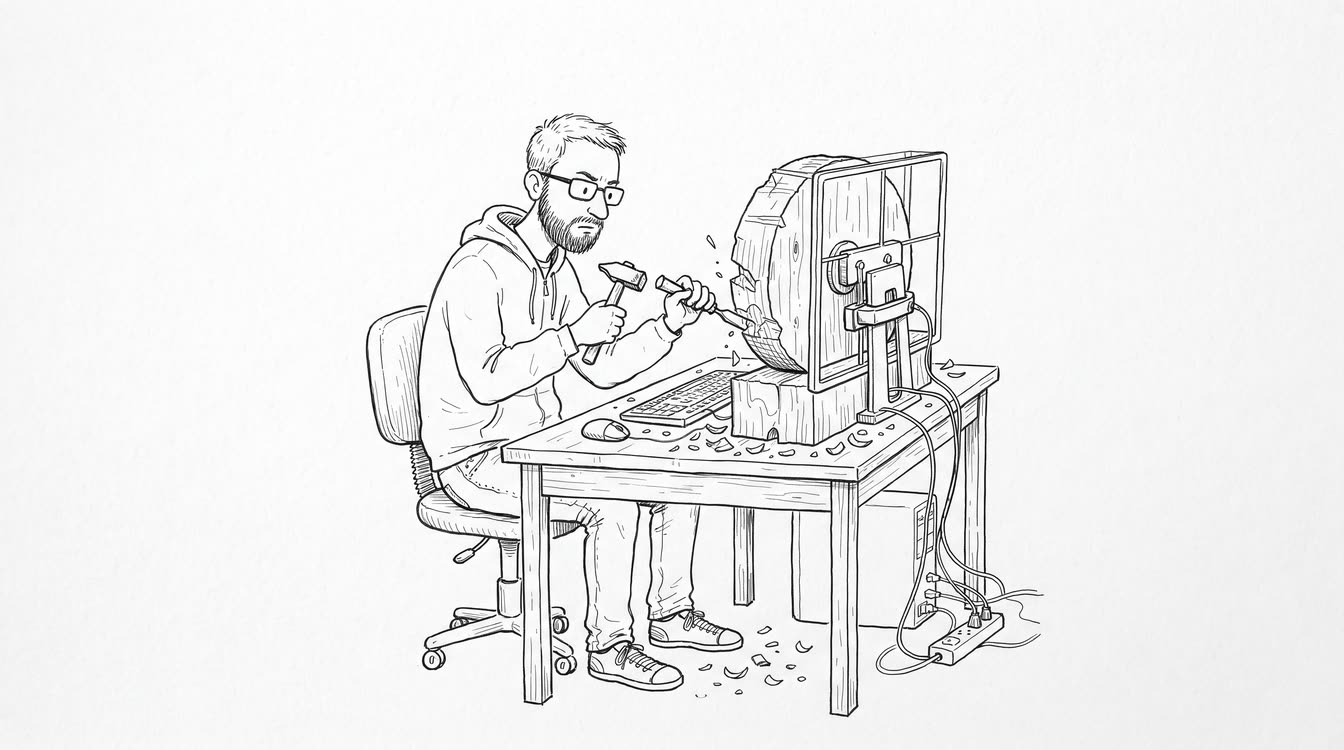
My first instinct was the most intuitive one for a reverse engineer: reverse that big chunky blob of JavaScript and generate my own valid cookie. "If I can make my own, it will be way better!". Well, probably yes, but only if I wanted to spend the next three months maintaining my own variation of a challenge that breaks the moment they change a single comma. Not a great deal.
So I dropped that idea and went the other way: instead of reimplementing it, just pass it. The gatekeeper has questions, you answer them, you're allowed in. In my tests, passing it consistently required a good combination of trusted browser and IP. It sounds simple, but keeping those two aligned under concurrency is far from easy. And since I never had the exact requirements the JavaScript Detections asks for, only an abstract notion of what it expects, I had to run a lot of tests (the fun part).
Cloudflare wants humans, and my tests pointed to browser and IP analysis as two major factors. So before writing any code, I needed a good browser, and a way to automate it without screaming that I'm a bot.
Making Playwright usable
Playwright was my pick for this. It's very good, but it was never made for what I'm doing; it's built for automated web development tests. So, by design, it screams "I am a bot!". To make it usable I had to get rid of what I call bot-traces, which is another piece of good old handwork that I could gracefully skip by using a pre-made solution called patchright.
Patchright is a consolidated open-source abstraction that gets rid of the most obvious and common bot-traces, mitigating early detections. That made it perfect for my use-case. However, it's not even close to what I needed to solve the problem itself.
You can check the full list of patches and mitigations here: https://github.com/Kaliiiiiiiiii-Vinyzu/patchright
What Patchright doesn't solve
Patchright is good at masking the most obvious environmental detections, but the work was far from done. The clearance also depends on behavioral and canvas-based checks, and those it doesn't cover. Having an undetected browser doesn't mean it will automatically fulfill the challenge, and that's where the real work started for me.
Human-like moving
The first thing I had to handle was the human-like movements. The challenge often asks you to click a checkbox in order to force mouse movement and uses it as another verification. In my tests, clicking it instantly by passing the element's position and center-clicking the checkbox consistently failed.
The solution was to move first, then click, and the Mouse class gives us that through the Mouse.move() method. This method lets us schedule mouse movements through the options.steps argument:
await mouse.move(x, y, options);
stepsnumber (optional) Defaults to 1. Sendsninterpolatedmousemoveevents to represent travel between Playwright's current cursor position and the provided destination. When set to 1, emits a singlemousemoveevent at the destination location.
So, the idea is to extract the checkbox position, then pass it to Mouse.move(), using multiple randomized steps through the trajectory to simulate human-like moving. The base code for it looks like:
private async moveMouseHuman(page: Page, targetX: number, targetY: number): Promise<void> {
    const preOffsetX = targetX + (Math.random() - 0.5) * 80;
    const preOffsetY = targetY + (Math.random() - 0.5) * 40;

    await page.mouse.move(preOffsetX, preOffsetY, {
        steps: 5 + Math.floor(Math.random() * 4),
    });
    await this.randomDelay(40, 120);
    await page.mouse.move(targetX, targetY, {
        steps: 8 + Math.floor(Math.random() * 6),
    });
}
After getting into the checkbox, I also avoided clicking the exact center, since that pattern failed more often in my tests. In this case, we randomize the position in the box area.
private randomPointInBox(
        x: number,
        y: number,
        width: number,
        height: number,
    ): { x: number; y: number } {
        const offsetX = width * (0.35 + Math.random() * 0.3);
        const offsetY = height * (0.35 + Math.random() * 0.3);
        return { x: x + offsetX, y: y + offsetY };
    }
Fingerprint randomization
Fingerprints are usually not based on single values, but on a convergence of them. In this case, I know the foundation relies heavily on browser and network identifiers. In this section I'll cover some of the most important ones and how I solved them.
1. User-Agent
The User-Agent, referred to from now on simply as "UA", had to remain consistent with the one used to create the cf_clearance cookie. In my tests, changing it on subsequent requests consistently produced 403s.
To solve this while keeping a functional microservice, the client using the service is responsible for sending their UA (which can be randomized), and it's passed directly to the solver's browser, replacing the default one. Each solve is ephemeral: the requesting client asks for a solve with its own details and receives a valid, usable cookie. The service was designed to solve many of them concurrently.
2. WebGL rendering
Chrome can be run in headless mode. It's attractive because of the resource savings, which would be great for our purpose. But in my setup, headless runs were consistently detected, likely because the detections include canvas challenges and rendering-based signals used to build the fingerprint.
Switching to headful runs avoided that failure mode in my tests, but it left another problem: it works against my goal of saving resources and running as many browsers as possible on a server. It kills the idea of using a regular terminal-based distro and forces me to actually render the browser.
The solution was to save resources in the environment the service runs in, instead of on the browser itself. That means no GNOME, no KDE, or any other end-user desktop environment, but something portable enough to render the browsers while still being resource-friendly.
I set up a Docker container that runs a lightweight Debian server and uses the Sway compositor. This rips out all the end-user environment bloat while keeping the capacity to run the program and render the browsers gracefully. I also set up a VNC (wayvnc → noVNC) to debug and observe the browsers running, which can be seen in the preview video at the top of this article.
FROM oven/bun:1.2 AS production
WORKDIR /app

RUN apt-get update && DEBIAN_FRONTEND=noninteractive apt-get install -y --no-install-recommends libgbm1 wayvnc libxdamage1 dbus fonts-liberation libegl1 websockify libxcb-dri3-0 sway libasound2 libgtk-3-0 xwayland libxrandr2 ca-certificates libxkbcommon0 novnc libdrm2 libx11-xcb1 libnss3 libxss1 libgl1 libxcomposite1 libxtst6 && rm -rf /var/lib/apt/lists/*

RUN bunx patchright install chromium

ENV WLR_RENDERER=pixman \
    WAYLAND_DISPLAY=wayland-1 \
    WLR_HEADLESS_OUTPUTS=1 \
    XDG_SESSION_TYPE=wayland \
    WLR_BACKENDS=headless
3. IP Rotation
In my tests, IP coherence was one of the most important factors. Once the challenge was solved, the cookie remained usable only while subsequent requests kept the same IP and UA. So, in order to make it usable for the requester, I need to not just rotate but also guarantee that the solve's proxy IP is the same as the requester's.
The way I found to do it was to require a proxy in the requester's payload. It must be a "sticky proxy", which is tied to a generated session so that, no matter who requests through it, the outgoing final IP stays the same.
You can read about sticky proxies and how they differ from rotating ones in this ZenRows article.
Optimizing and scaling
The goal of the microservice is to create an ephemeral way to solve the challenge on demand. The core idea is to keep everything running in a docker container (on an external server), then expose a simple API the requester calls.
Under concurrent load, resources are precious and can't be wasted. I have optimized the environment (linux-first, small Sway environment with rendering). Now, I must optimize the flow at application level: task management, browser management, browser flags. Let's play with some benchmarks and the Playwright documentation.
Early stage: Browser-based management
Digging into the Playwright API, I first figured out how to elegantly run multiple browsers with the custom properties I wanted:
- Cookie isolation
- User-Agent customization
- Proxy isolation
In this early-stage model, the idea was to provide what we call "isolation" by running pre-heated idle browsers during service boot, then inserting received tasks (solve requests), triggered by events, into them. Each would receive its context properties (UA, proxy, URL) and solve it. Different processes, isolation guaranteed. Or so I thought.
Pre-opening browser processes during application boot was an important architectural decision for keeping task latency low, because it skips the browser's startup time during task completion. Once the server notices a task creation event (a solve was requested), it finds a free browser and passes it the task's properties (proxy, UA, target URL).
However, this approach comes with a caveat. Browsers are expensive due to their high RAM demands. Since each browser performs only a single task per run, concurrency depends directly on how many browsers I have stacked, and RAM grows linearly with them. Scaling up means stacking more browsers, and each one carries its full memory cost.
To make a better picture of the problem, let's observe a progressive scaling scenario with a bit of linear progression. In my tests, the base RAM consumed by a browser sits around ~200-225 MB. Let's use 200 MB as the example cost per idle browser.
Final stage: Tab-based management
After reimplementing the BrowserContext management logic, I found out that more than one context can be emitted from the same Chrome process at the same time. This lets me perform isolation through tabs instead of browsers, which means a new task no longer consumes 200 MiB, but a fraction of it.
On my tests, they usually consumed ~45-60 MB. Let's establish a comparison using the base number for it as 50 MB.
Extending both lines side by side:
| Concurrent solves (N) | Browser-based (200·N) | Context-based (400 + 50·N) |
|---|---|---|
| 1 | ~200 MiB | ~450 MiB |
| 2 | ~400 MiB | ~500 MiB |
| 4 | ~800 MiB | ~600 MiB |
| 8 | ~1,600 MiB | ~800 MiB |
| 16 | ~3,200 MiB | ~1,200 MiB |
| 32 | ~6,400 MiB | ~2,000 MiB |
| 64 | ~12,800 MiB | ~3,600 MiB |
Browser-based grows linearly: every solve is a full browser, so the model puts the upper bound for an 8 GiB server near 40 concurrent solves, before the OS and the compositor take their share. Context-based pays a small fixed base and then adds a fraction per solve, so the model projects a higher ceiling under the same memory budget. The crossover happens early, around three concurrent solves, and from there the gap only widens.
Note: these are first-order projections. Real per-browser cost varies with Chromium's shared memory and process overhead, and the numbers above N=8 are extrapolated from the sampled runs. Treat them as orders of magnitude; the point is the shape of the curves, not the exact values.
Wrapping up
At this point, putting the final flow on paper is way simpler than getting it to work. The requester calls the solver API with its target URL, UA, and sticky proxy. That becomes a task. From there, the router looks through the warm browser pool and grabs a free context slot from the least-loaded one.
With the slot reserved, I create a fresh context and tab using the details that came with the task. That tab goes through the challenge in headful Chrome. If it passes, I take cf_clearance out of the context, close it, give the slot back to the pool, and return the cookie. The requester now has to use the same UA and sticky proxy; changing identity after the solve puts us right back against the wall of 403s.
That's pretty much the service. Patchright gets rid of the traces I didn't feel like reimplementing, Sway gives Chrome somewhere to draw without carrying a whole desktop environment, and the warm pool saves its startup time. Contexts were the piece that made the numbers less ugly: tasks still get their own cookies, UA, and proxy, but they don't need a full browser each.
I didn't end up generating cf_clearance or rebuilding Cloudflare's JavaScript. The thing I built around it is what matters here: keep the path from the incoming request to the returned cookie coherent, then reuse the expensive part instead of launching it again for every solve.
There's more I haven't gone into here, and this is still changing as Cloudflare changes. challenge.udp.re is up if you want to test your own approach against it.